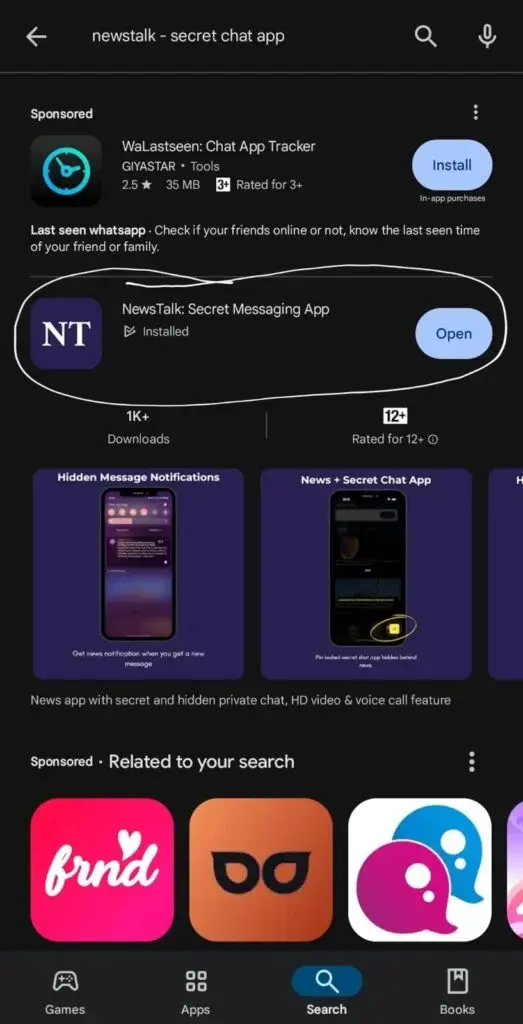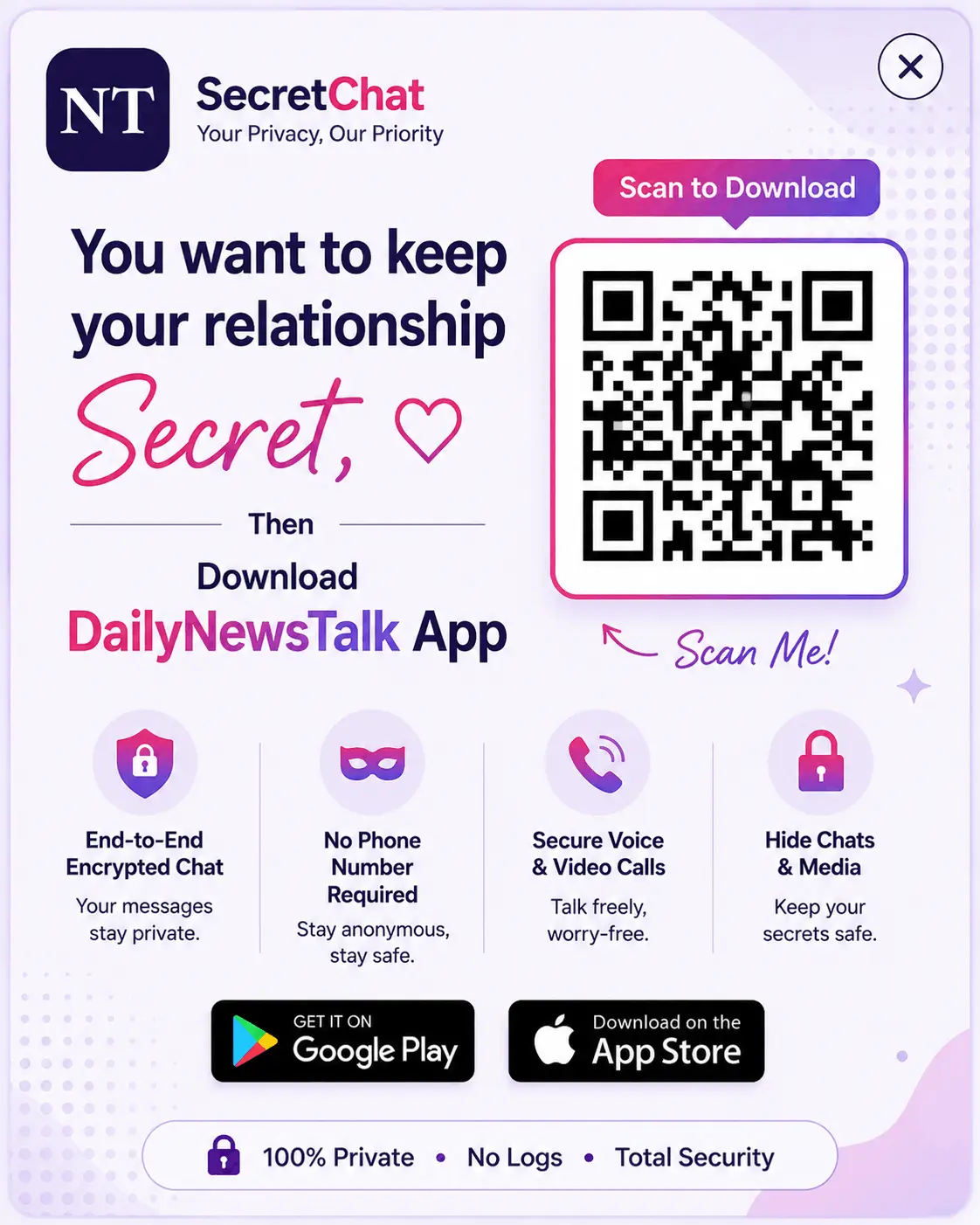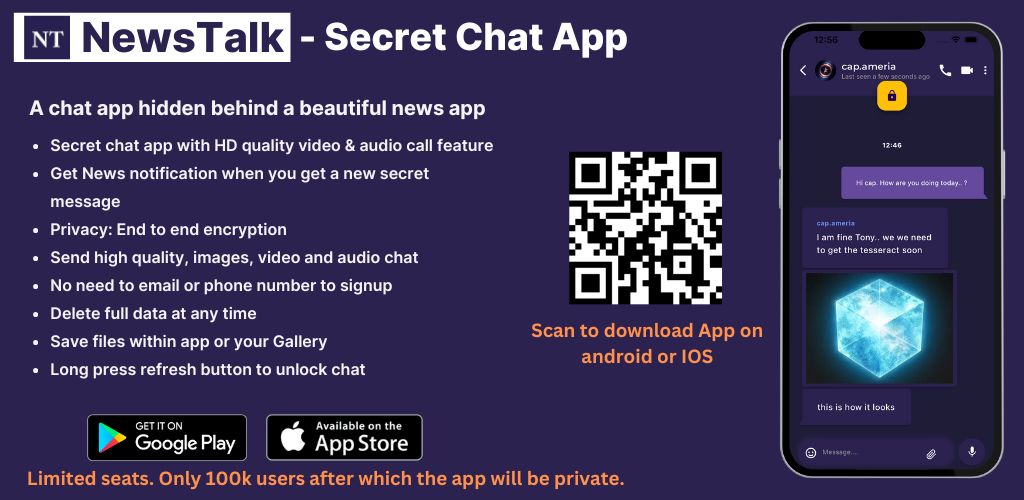
To have secret chat with your partner then please download our NewsTalk – Secret Messaging App to your mobile. In case if you are using desktop, then please visit your Play Store or App Store and search for NewsTalk – Secret Chat App and download it. On mobile, simply click the below button based on your device’s operating system.
How to Download NewsTalk App?
Please follow the simple steps given below..
- Just scan the QR code,
- It will take you to your Google Play store or App store irrespective of your device.
- Then search for our app name “DailyNewsTalk – Secret chat App or Secret Messaging App” directly on your Google Store or App store, you will get our app with Blue colour “NT” logo.
- Our app can be called as “NewTalk or DailyNewTalk” both are same.
- after downloading, in app itself you will get instructions for how to use the app.. Follow the each and every instructions and use the secret chat app